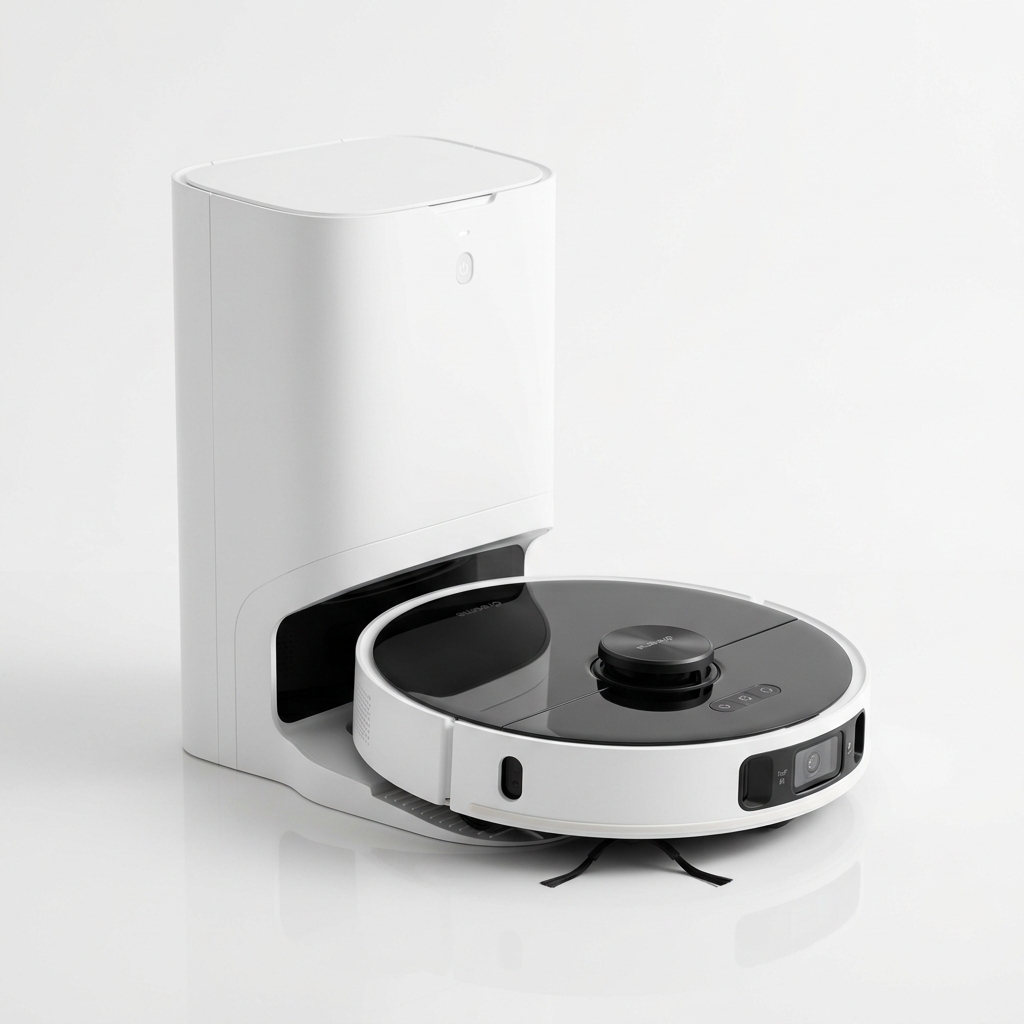
Dreame
★ 4.6
Dreame D10 Plus Gen 2
Best Value Robot Vacuum with 6000Pa Suction
₹27,999
90-Day Self-Emptying (4L Bag)
6000Pa Vormax Suction
LiDAR Navigation
Practical framework for choosing a robot vacuum in India: floor types, home size, budget, must-have features, navigation, and maintenance.
Choosing a robot vacuum cleaner in India can feel overwhelming. With models ranging from ₹10,000 to over ₹60,000 and dozens of brands competing for attention, the options are extensive. Marketing language often emphasises suction power or “smart features” without addressing what actually matters for your specific home. The result is that many buyers end up with a vacuum that does not suit their floor type, home size, or lifestyle.
This guide provides a structured framework to help you choose a robot vacuum cleaner based on your specific needs. We walk through each decision factor — floor type, home size, budget, essential features, navigation type, maintenance costs, and brand considerations — in a logical sequence. By the end, you will know exactly which specifications matter for your home and which features you can safely ignore.
We do not rank models or use marketing terms like “best” or “top pick.” Instead, we give you the tools to evaluate any robot vacuum on the market and decide whether it fits your requirements.
The most important factor in choosing a robot vacuum is the flooring in your home. Different floor types have different cleaning requirements.
Hard floors (tiles, marble, vitrified, granite, wood): Most robot vacuums handle hard floors well. Even entry-level models pick up dust effectively on smooth surfaces. If your home is entirely hard floors, suction power above 2500 Pa is not strictly necessary — navigation quality matters more than raw suction on hard floors. Mopping capability is worth considering since hard floors show dust and residue.
Low-pile carpets and rugs: Many Indian homes have dhurries, synthetic carpets, or low-pile rugs in living rooms and bedrooms. Robot vacuums handle these adequately with suction of 2500 Pa or more. Ensure the vacuum can transition from hard floor to carpet without getting stuck — most models handle a 1–2 cm height difference. Some models have carpet detection that automatically increases suction on rugs.
High-pile carpets and thick carpets: Robot vacuums struggle with thick, plush carpets. The suction motor works harder, battery life decreases, and the vacuum may not clean deep into the fibres. If your home has wall-to-wall thick carpeting, a robot vacuum may not meet your expectations. Look for models with at least 4000 Pa suction and brush designs optimised for carpet. Even then, results will not match a dedicated upright vacuum.
Mixed flooring (combination of hard floors and carpets): This is common in Indian homes — tiles in the kitchen and bathroom, marble in the living room, and carpets in bedrooms. Most mid-range and premium robot vacuums handle mixed flooring automatically. They detect the transition and adjust suction or brush speed. For mixed flooring, look for models with carpet detection, adjustable suction, and reliable threshold crossing.
Wooden or engineered wood floors: Robot vacuums are safe for sealed wood floors. Avoid models with stiff bristle brushes that can scratch the surface — rubber roller brushes are gentler. For mopping on wood, use the lowest water flow setting and ensure the mop cloth is only lightly damp, not wet.
Home size determines the battery life and dustbin capacity you need.
Small homes (under 600 sq ft / compact 1 BHK): Entry-level models with 60–90 minutes of battery life and 300–400 ml dustbins are sufficient. The robot can complete a full cleaning cycle on one charge. You do not need an auto-empty dock or a large battery.
Medium homes (600–1200 sq ft / typical 1–2 BHK): Mid-range models with 100–150 minutes of battery life and 400–600 ml dustbins work well. Most mid-range vacuums complete the entire floor on a single charge. Consider models with mapping and room-specific cleaning so you can direct the robot to clean particular rooms on different days.
Large homes (1200–2000+ sq ft / 3 BHK or larger): You need a model with at least 150 minutes of battery life and a dustbin of 500 ml or more. Auto-empty dock becomes valuable at this size because the dustbin fills multiple times during a single cleaning cycle. Look for models with recharge-and-resume functionality — the robot returns to the dock when battery is low, charges, and continues cleaning from where it stopped.
Multiple floors: If you need the robot to clean multiple floors, consider a model that supports multiple maps. You can move the robot and dock to another floor, and it will recognise and load the correct map automatically. Some brands support up to 3–4 saved maps.
Your budget defines which features are available to you.
Under ₹12,000: You get basic robot vacuums with random or gyroscope navigation, limited suction (1500–2200 Pa), small dustbins, and basic mopping. These are suitable as trial devices or for very small homes. Expect limited features and shorter lifespan.
₹12,000 – ₹18,000: This range offers better build quality and sometimes LiDAR navigation. Suction reaches 2500–3000 Pa. Some models include app-based mapping and scheduling. The best value in this range comes from models offering LiDAR at a competitive price.
₹18,000 – ₹30,000: This is the recommended budget range for most buyers. You get reliable LiDAR navigation, strong suction (3000–4000 Pa), efficient mopping with electric water pumps, longer battery life, and consistent app support. This is where the feature-to-price ratio is most favourable.
₹30,000 – ₹45,000: Premium features like auto-empty docks, self-cleaning mopping, AI-based object avoidance, and higher build quality. Worth considering if you want minimal hands-on involvement and have a larger home.
Above ₹45,000: Flagship models with every available feature — the most advanced navigation, strongest suction, best mopping systems, and best build quality. These suit buyers who want the most refined experience and have a budget that supports it.
Allocate some of your budget for maintenance: filters, brushes, and eventually a battery replacement.
Not all features are essential. Focus on what actually impacts daily use.
Scheduling: Being able to set a daily cleaning schedule is one of the most useful features. Most models support scheduling through the app. Ensure the model you choose allows at least one scheduled cleaning per day.
Room-specific cleaning: This allows you to tell the robot to clean only the kitchen or only the bedrooms. It requires a model with mapping capability (LiDAR or camera-based). Room-specific cleaning saves time and battery by focusing on high-traffic areas.
No-go zones and virtual barriers: These prevent the robot from entering specific areas — pet feeding stations, children’s play areas, or rooms with delicate items. No-go zones are set in the app after mapping. Some models support invisible walls using magnetic strips.
Voice assistant support: Integration with Google Assistant or Alexa lets you start, stop, or direct the robot using voice commands. This is convenient but not essential for most users. Most mid-range and premium models support it.
Auto-empty dock: The dock automatically empties the robot’s dustbin into a larger bag inside the dock. This means you only empty the bag every 30–60 days. Useful for larger homes and for users who want maximum automation. Adds ₹10,000–₹15,000 to the cost.
Object avoidance: Using cameras or LiDAR, the robot detects and avoids objects like cables, shoes, or pet waste. This is the most expensive feature and only available on premium models. Useful if you have persistent floor clutter or pets.
Multi-floor mapping: Essential if you plan to use the robot on multiple floors. Without it, the robot creates a new map each time it is moved, losing previous room configurations.
Navigation is the most important technical specification after floor type compatibility.
Random navigation: Older technology. The robot moves in straight lines until it hits an obstacle, then turns randomly. It may clean the same spot multiple times and miss others entirely. Cleaning time is unpredictable. Found only in entry-level models under ₹10,000.
Gyroscope navigation: The robot uses a gyroscope to track its movement and attempts to follow a structured pattern. More efficient than random but still less precise than LiDAR. It does not create a persistent map — each cleaning cycle is independent. It cannot do room-specific cleaning or no-go zones. Found in models priced ₹10,000–₹18,000.
LiDAR navigation: The robot uses a rotating laser on top to create a precise map of your home. It cleans in organised rows, remembers room layouts, supports room-specific cleaning and no-go zones, and is significantly more efficient. LiDAR is the navigation technology used by most mid-range and premium models. It works in complete darkness since it uses laser, not cameras.
Camera (VSLAM) navigation: The robot uses a camera to identify landmarks and navigate. It creates visual maps and can recognise objects (for object avoidance). Camera navigation works well in well-lit conditions but struggles in darkness. It is used by some premium models and is less common than LiDAR in the Indian market.
Hybrid navigation: Some premium models combine LiDAR with a camera for both efficient mapping and object avoidance. These are the most expensive but provide the most reliable navigation and the best obstacle detection.
For most buyers, LiDAR navigation offers the best balance of performance and price.
Robot mopping capabilities exist on a spectrum.
Basic mopping (gravity-fed): A water tank attached to the robot drips water onto a cloth. The cloth drags across the floor as the robot moves. Simple and inexpensive, but water distribution is uneven, and the cloth can get dirty quickly. Suitable for very light maintenance between manual mops.
Electric water pump mopping: A pump controls water flow to the cloth, providing consistent dampness. You can adjust the flow level in the app. This is significantly more effective than gravity-fed systems and is common in mid-range models.
Vibrating or rotating mopping pads: Some premium models use mopping pads that vibrate or rotate against the floor, actively scrubbing rather than just dragging. This provides better cleaning for sticky spots and dried residue. Examples include Roborock’s Sonic Mopping and Dreame’s rotating mop systems.
Self-cleaning mopping dock: The most advanced option. The dock washes the mopping pads with clean water and dries them with hot air after each cleaning cycle. This prevents odour and mould growth on the cloth and is the most hands-off solution.
Practical mopping advice: For Indian homes, an electric water pump model is sufficient for most users. Gravity-fed mopping is better than nothing but will not satisfy if mopping quality is important to you. Premium vibrating or rotating systems are worthwhile if you have significant foot traffic that leaves marks on floors.
A robot vacuum requires ongoing maintenance and occasional part replacement. Check these before buying.
Filter cost and availability: Washable HEPA filters (H11 or H12) are ideal because they reduce replacement frequency. Check that replacement filters are available on platforms like Amazon for your model. Filters typically cost ₹300–₹1,000.
Brush replacement cost: Side brushes (₹200–₹600 per set) and main brushes (₹500–₹1,500) need periodic replacement. Some models use standardised parts that are widely available, while others have proprietary parts that are harder to find.
Battery replacement: Check whether the battery is user-replaceable. Some models have sealed batteries that require professional replacement. A replacement battery costs ₹1,500–₹4,000. Models with easily replaceable batteries are preferable for long-term ownership.
Auto-empty dock bags: If you buy a model with an auto-empty dock, factor in the cost of replacement dust bags (₹300–₹800 each, replaced monthly or every other month). Some docks use washable bins instead of disposable bags — these are more economical long-term.
Availability in smaller cities: If you live outside major metro cities, ensure spare parts can be delivered to your location. Major brands generally have better supply chains for this.
Not all reviews are equally useful. Here is how to get real insights.
Filter for Indian reviews. Reviews from international users are less relevant because home layouts, floor types, dust levels, and available models differ. Focus on Amazon and Flipkart reviews marked as “India” or from Indian cities.
Look for pattern across reviews. If multiple reviews mention the same problem — navigation issues, battery degradation, or app instability — it is likely a genuine pattern rather than a one-off issue.
Ignore 5-star and 1-star extremes initially. The most useful reviews are 3-star and 4-star reviews that discuss both positives and negatives. They tend to be more nuanced.
Search for your specific concern. Use the search feature in review sections for keywords like “threshold”, “hair”, “carpet”, “service”, or “warranty” to find reviews that address your specific questions.
Check dates. Reviews older than 1 year may reference outdated firmware or earlier versions of the product. Recent reviews are more relevant, especially for software-dependent features.
Read the negative reviews first. They tell you what can go wrong. If the issues mentioned are things you can live with, the model is likely fine for you.
For broader perspective, refer to guides like our robot vacuum maintenance guide and our robot vacuum vs traditional vacuum comparison for context on care and performance expectations.
Brand reputation matters more for robot vacuums than for many other electronics because moving parts and sensors can fail.
Xiaomi (Mi): Widely available in India with good service coverage in metros and tier-2 cities. Mi Home app integration is reliable. Parts are readily available. Strong value proposition in the mid-range segment. Their models are covered in detail on our Xiaomi review page.
Dreame: A Xiaomi ecosystem brand that now operates independently. Dreame focuses on the mid-range to premium segment. Known for strong suction, good navigation, and competitive pricing. Their models are reviewed on our Dreame review page.
Eureka Forbes: A well-known Indian brand with an extensive service network across the country, including smaller towns. Their robot vacuums are generally reliable and designed with Indian conditions in mind. Check our Eureka Forbes review for specifics.
iRobot (Roomba): The pioneer in robot vacuums. Strong object avoidance, reliable navigation, and good build quality. However, iRobot models tend to be more expensive than comparable models from Xiaomi or Dreame for similar specifications.
Roborock: Premium brand with excellent build quality, strong suction, and advanced mopping systems. Higher price point. Good for buyers who want the most refined experience and are willing to pay for it.
Emerging brands (ILIFE, Proscenic, etc.): These offer budget models and sometimes innovative features, but service networks are less established. If you buy from these brands, ensure the return policy and warranty terms are clear.
We also have a comprehensive comparison of robot vacuum options available in India and a price guide that covers current pricing across brands.
Here is how the decision process works in a logical sequence.
Start with floor type: If you have carpet, you need higher suction and a brush optimised for carpet. If hard floors only, navigation quality is more important than raw suction.
Then home size: Small homes can use entry-level models. Medium and large homes need better navigation, longer battery, and room-specific cleaning.
Then budget: Your budget narrows the field of available models. Within your budget, prioritise navigation technology over suction power.
Then feature priorities: Decide which of scheduling, mopping, auto-empty, or object avoidance matter to you. Allocate budget accordingly.
Then brand and support: Among models that fit your criteria, choose the one with the best brand support and parts availability in your area.
Then validate with reviews: Confirm that your shortlisted models perform well in Indian conditions based on buyer reviews.
This sequence prevents you from being swayed by features you do not need or by marketing that emphasises specifications irrelevant to your home.
Before clicking “Buy”, verify these points.
If most answers are yes, proceed. Check Price on Amazon to compare current prices on recommended models.
Prioritising suction over navigation. A robot with poor navigation wastes time and misses spots. LiDAR navigation matters more than a high suction number.
Buying without measuring furniture clearance. This is the most common reason for a robot vacuum to fail in an Indian home. Measure before you buy.
Ignoring the mopping system. Gravity-fed mopping disappoints many buyers who expect proper mopping. Understand what level of mopping you need before purchase.
Choosing a model with no local service. If the brand has no service centre in your city, a simple repair can take weeks and involve shipping costs.
Overbuying features. An auto-empty dock is convenient but costly. If you have a small home, it may not justify the price premium. Buy what you actually need.
Not considering dustbin size. A small dustbin in a large home means the robot fills up mid-cycle and stops. Check dustbin capacity relative to your home size.
Relying solely on Amazon ratings. Amazon ratings can be artificially inflated through promotional reviews. Cross-reference with detailed written reviews.
Navigation technology is the most important feature. LiDAR navigation provides efficient, thorough cleaning and enables room-specific cleaning and no-go zones. Without good navigation, even high suction power does not guarantee clean floors.
For most Indian homes, spending between ₹18,000 and ₹30,000 provides the best value. This range offers reliable LiDAR navigation, adequate suction, good mopping, and solid app support. Buyers with larger homes or higher automation expectations may benefit from the ₹30,000–₹45,000 range.
Yes, but only up to a point. On hard floors, 2000–2500 Pa is sufficient. On carpets, 3000–4000 Pa is useful. Beyond 4000 Pa, the incremental improvement in cleaning is minimal for most homes, and higher suction reduces battery life.
Yes. Marble and tile floors are ideal for robot vacuums. The smooth surface allows the vacuum to clean efficiently, and mopping functionality works well on these surfaces. Use a soft brush or roller to avoid scratching.
Not entirely. A robot vacuum is excellent for daily maintenance cleaning but does not match the deep-cleaning power of a traditional vacuum for carpets, upholstery, and car interiors. Most households use both: robot vacuum daily, traditional vacuum weekly or as needed. Read our robot vacuum vs traditional vacuum comparison for a detailed breakdown.
Xiaomi, Dreame, and Eureka Forbes offer the best balance of features, price, and service support in India. Roborock and iRobot offer premium options with advanced features but at higher prices.
A LiDAR-based robot vacuum cleans approximately 300–500 sq ft per hour on standard mode. A 1000 sq ft home takes roughly 2–3 hours. The exact time depends on floor plan complexity, furniture density, and suction mode.
LiDAR-based robot vacuums work in complete darkness because they use lasers for navigation. Camera-based (VSLAM) robots need some ambient light. If you plan to run the robot at night while sleeping, a LiDAR model is preferable.
If you have hard floors, mopping functionality is useful for maintaining clean floors between manual mop sessions. Gravity-fed mopping is better than nothing, but electric pump mopping is significantly more effective. Consider your mopping needs honestly before deciding.
Measure the clearance between the floor and the lowest point of your furniture. Robot vacuums typically need at least 9 cm (3.5 inches) of clearance. Measure your sofa, bed, cabinets, and TV unit. If most furniture has adequate clearance, the robot will cover those areas.
Yes, if the robot has Wi-Fi connectivity and app support, you can start, stop, or schedule cleaning from anywhere. This is a standard feature on all mid-range and premium models.
LiDAR uses a rotating laser to map the room. It works in the dark and is highly accurate but adds height to the robot. Camera navigation uses visual landmarks, works in light, and enables object recognition but struggles in darkness and may have privacy concerns. LiDAR is currently the more popular and reliable technology for robot vacuums.
As an Amazon Associate I earn from qualifying purchases. If you make a purchase through these links, I may earn a small commission at no additional cost to you. Our recommendations are based on research and practical assessment, not on affiliate partnerships.
Affiliate Disclosure: As an Amazon Associate I earn from qualifying purchases. If you click on a link and make a purchase, I may earn a small commission at no extra cost to you.
Check the latest prices and reviews on Amazon India.
Best Value Robot Vacuum with 6000Pa Suction
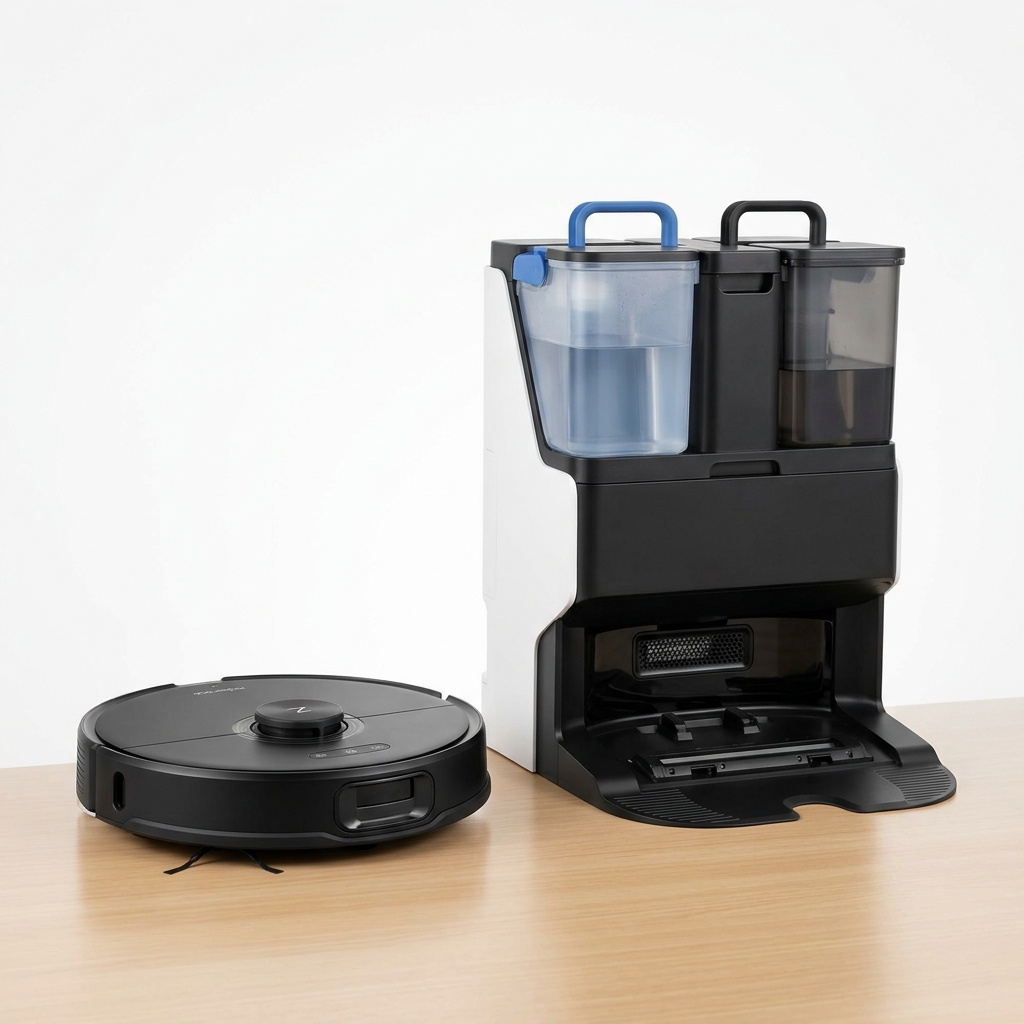
Premium Robot Vacuum with Auto Mop Washing Dock
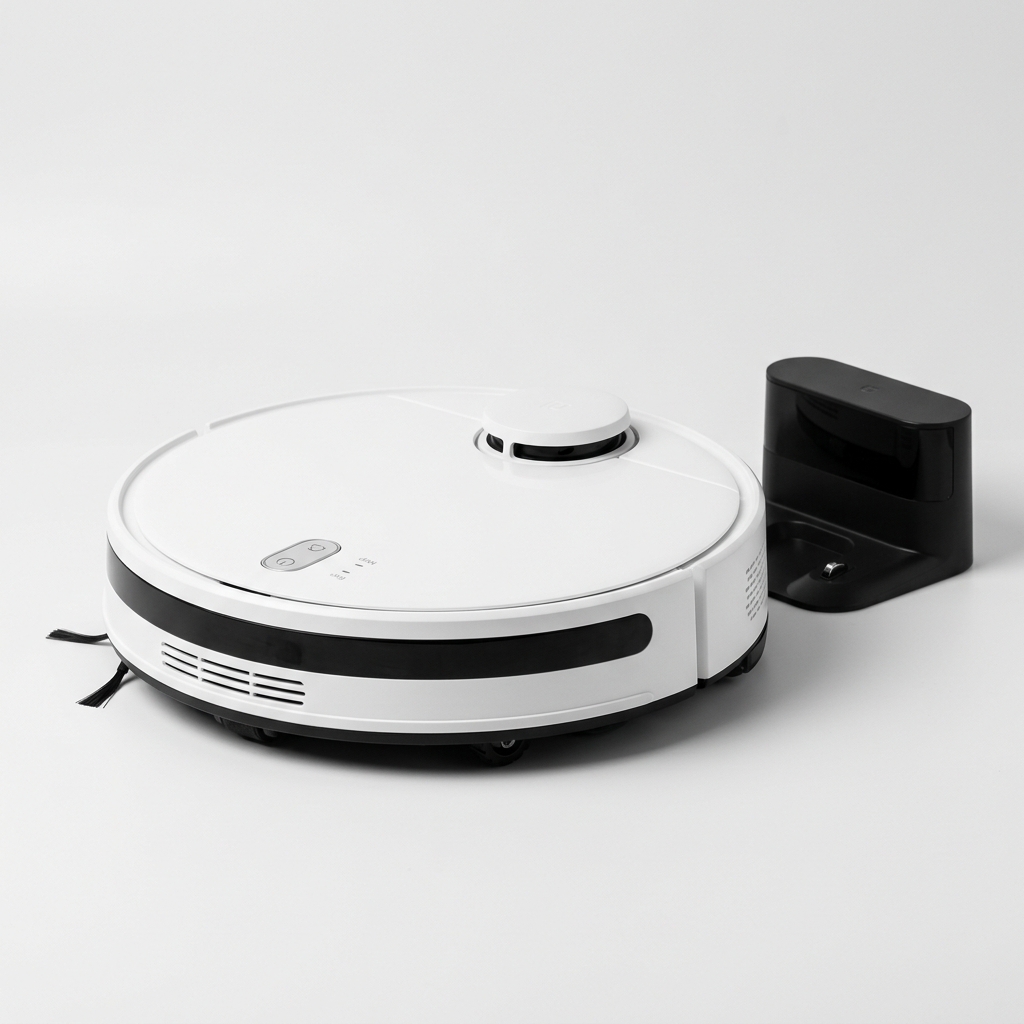
Affordable Robot Vacuum with 5200mAh Battery & LDS Navigation
Our comprehensive guide to the best robot vacuum cleaners available in India in 2026. Expert picks for every budget.
GuideLearn how LiDAR navigation works in robot vacuums, its advantages over camera and gyroscope systems, and why it matters for Indian homes.
Buying GuideKey factors for choosing a robot vacuum for large Indian homes: battery runtime, auto-recharge, self-emptying stations, multi-floor mapping, and coverage.
Compare top-rated models side by side and pick the best one for your home and budget.