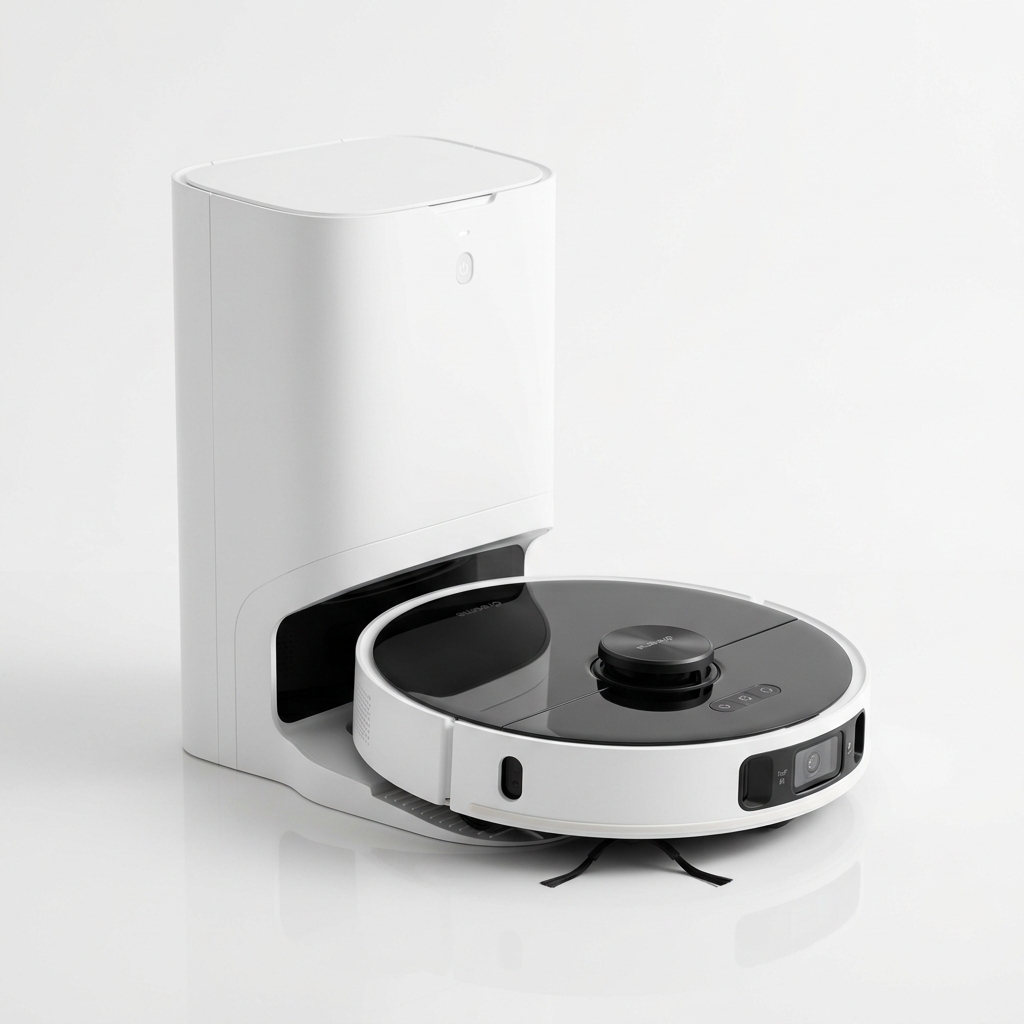
Dreame
★ 4.6
Dreame D10 Plus Gen 2
Best Value Robot Vacuum with 6000Pa Suction
₹27,999
90-Day Self-Emptying (4L Bag)
6000Pa Vormax Suction
LiDAR Navigation
Complete robot vacuum maintenance guide for Indian homes. Learn daily, weekly & monthly cleaning routines to extend your vacuum's life.
A robot vacuum is a significant investment in your home’s cleanliness. Like any piece of technology, it requires regular attention to perform reliably over the long term. Without proper care, suction power drops, navigation becomes erratic, and battery life degrades faster than expected. Indian homes present unique challenges — fine dust, higher humidity in coastal regions, and the occasional presence of pet hair or larger debris — all of which place extra demands on these devices. This robot vacuum maintenance guide covers everything you need to know to keep your unit in top condition, from daily wipe-downs to quarterly part replacements. Whether you own a model from Dreame, Xiaomi, iRobot, or Eureka Forbes, the principles remain largely the same. A well-maintained robot vacuum cleans better, lasts longer, and saves you money on repairs.
Daily upkeep takes less than two minutes but has the biggest impact on performance.
After each cleaning cycle, empty the dustbin. A full bin reduces suction and forces the motor to work harder. Open the compartment, tap out debris over a trash can, and use the provided brush to dislodge any dust trapped in the filter area. For models with an auto-empty dock, check that the dock’s base bin isn’t reaching capacity either.
Hair and thread wrap around the main brush more often than you might expect. Indian homes with long hair or pets can see significant tangling after a single run. Run your fingers along the bristle strip and pull off any accumulated strands. Most modern brushes have a tangle-resistant design, but no brush is completely immune.
Dust on cliff sensors (those on the underside that prevent falls) and wall sensors can cause your vacuum to bump into furniture or hesitate near stairs. Use a dry microfiber cloth to wipe them gently. Similarly, clean the gold charging contacts on both the vacuum and the dock with a dry cloth to ensure reliable docking each time.
Set aside 10–15 minutes once a week for these steps.
Most robot vacuums use a two-stage filtration system: a metal or foam pre-filter and a HEPA-type fine filter. Remove both and tap them against a hard surface to dislodge trapped dust. If your model’s filter is washable, rinse it under running water (never use soap) and let it air-dry completely for 24 hours before reinserting. A damp filter encourages mould growth, especially in humid Indian cities like Mumbai or Chennai.
Side brushes sweep debris toward the main brush. They bend, fray, or accumulate hair over time. Untangle any hair wrapped around the base and check that the bristles spin freely. Replace the side brush if bristles are visibly shorter than new ones or if they no longer straighten after untangling.
The charging dock collects dust from the vacuum’s wheels and body. Wipe the dock’s contact surface, the base plate, and any surrounding area with a damp cloth. Make sure the dock’s infrared communication window (if present) is free of smudges so the vacuum can home in correctly.
Deeper maintenance every month addresses areas that daily and weekly tasks miss.
Open the brush compartment and remove the main brush. Use the cleaning tool or a pair of scissors to cut away any deeply embedded hair around the bearings at each end. Wipe the compartment with a slightly damp cloth to remove compacted dust. Reinsert the brush and ensure it clicks into place securely.
The drive wheels accumulate dirt and hair inside their treads. Use a damp cloth or a soft brush to clean the tread surface. For the caster wheel (the small free-spinning wheel at the front or side), pop it out according to your manual and remove any hair wound around the axle. A jammed caster wheel causes the vacuum to drift during cleaning.
Open your companion app and check the battery status. Most apps report overall battery health as a percentage. If the runtime has dropped noticeably — for example, a vacuum that used to clean for 110 minutes now stops at 60 — the battery may need replacement. Lithium-ion batteries typically last 2–3 years depending on usage cycles and ambient temperature. Avoid running the battery to zero regularly; partial charges are better for longevity.
Manufacturers release firmware updates that improve navigation algorithms, add features, and fix bugs. Open the app, navigate to settings, and check for updates once a month. Keep the vacuum on the dock during updates and ensure your Wi-Fi connection is stable.
Robot vacuums have several consumable parts that wear out and need periodic replacement. Using genuine or verified compatible parts maintains performance and avoids damage.
| Part | Typical Lifespan | Replacement Indicator |
|---|---|---|
| Main Brush | 6–12 months | Bristles bent, cracked, or worn unevenly |
| Side Brushes | 3–6 months | Bristles bent out of shape or shortened |
| HEPA Filter | 3–6 months | Visible damage, discoloration, or reduced airflow |
| Battery | 2–3 years | Runtime drops below 50% of original |
| Cliff Sensors | As needed | False fall detections or erratic behaviour |
| Charging Dock | 3–5 years | Intermittent charging or physical damage |
Always check your manual before ordering parts. Some models use proprietary brush designs that are only available through the manufacturer or authorised sellers.
Avoid these pitfalls to keep your vacuum reliable.
Skipping filter cleaning. A clogged filter is the most common cause of reduced suction. Many users forget about the filter entirely until the vacuum starts leaving debris behind. Set a monthly reminder on your phone.
Using wet filters. Washing a filter and putting it back immediately can lead to mould inside the dustbin. Always let filters dry for a full day before reinstalling.
Ignoring brush end caps. Hair gets wound tightly around the bearing caps at either end of the main brush. If these aren’t cleaned periodically, the brush stops spinning and the motor draws excess current.
Using the vacuum on wet surfaces. Robot vacuums are not designed for liquid spills. Mopping models use a water tank, but the vacuum itself should never run over standing water. Check your floors before starting a cleaning cycle.
Placing the dock in direct sunlight. Strong sunlight can interfere with the infrared docking sensors, causing the vacuum to struggle when returning to charge. Place the dock in a shaded, level area with good clearance on both sides.
Indian seasons affect how your robot vacuum performs and what kind of debris it encounters.
Summer (March–June). Open windows bring in more fine dust. Check filters more frequently during this period. Air conditioners can cause static electricity that attracts dust to sensors — wipe sensors daily.
Monsoon (July–September). High humidity means longer filter drying times. Consider buying a second filter so you can swap them while one dries. Watch for wet floors — mop-only mode is safer during this season.
Winter (October–February). Lower humidity reduces dust clumping, but fallen leaves and dry soil from plants may appear indoors. Increase the cleaning frequency if you notice more debris near entryways.
Festive season (October–December). High foot traffic and decorative items on floors mean more cleaning is required. Schedule extra passes during Diwali, Pongal, or Durga Puja weeks.
How often should I clean my robot vacuum? Empty the dustbin after every use, clean filters weekly, and perform a deep clean monthly. This schedule works well for most Indian households.
Can I wash the HEPA filter with water? Only if your manual explicitly states the filter is washable. Many HEPA filters are paper-based and will be damaged by water. When in doubt, tap-clean or use a vacuum attachment to remove dust.
Why is my robot vacuum leaving dust behind? Possible causes include a full dustbin, a clogged filter, a tangled brush, or worn-out side brushes. Check these components in order.
My robot vacuum won’t return to the dock. What should I do? Clean the charging contacts on both the dock and the vacuum. Ensure the dock is against a wall with no obstructions. Check that the dock’s infrared window (if any) is clean and that the dock is plugged in.
How do I know when to replace the battery? When your vacuum’s runtime drops below 50% of the original specification, consider a replacement. Most companion apps show battery health in the settings menu.
What cleaning products can I use on my robot vacuum? Avoid chemical cleaners. Use a dry or slightly damp microfiber cloth. Never spray liquid directly onto any part of the vacuum.
Can I use my robot vacuum daily? Yes, robot vacuums are designed for daily use. In fact, frequent short cleaning cycles are better than occasional long ones because debris doesn’t accumulate and get ground into floors.
Does maintenance differ for mopping robot vacuums? Yes. Empty the water tank after every mopping session. Remove and clean the mopping pad or mop plate weekly. Stagnant water in the tank can develop odour or bacterial growth.
My vacuum makes a loud noise during cleaning. What’s wrong? Loud noises usually indicate a tangled brush or debris stuck in the wheel assembly. Stop the vacuum, inspect the brush and wheels, and remove any obstruction.
Is it safe to leave the vacuum charging all the time? Modern robot vacuums use lithium-ion batteries with overcharge protection. Leaving the vacuum on the dock is safe and recommended so it’s always ready to clean.
Need spare parts for your vacuum? Check Price on Amazon — Find replacement filters, brushes, and batteries for popular models.
Internal Linking Suggestions:
Affiliate Disclosure: As an Amazon Associate I earn from qualifying purchases. If you choose to purchase a product through these links, I may earn a small commission at no additional cost to you.
Affiliate Disclosure: As an Amazon Associate I earn from qualifying purchases. If you click on a link and make a purchase, I may earn a small commission at no extra cost to you.
Check the latest prices and reviews on Amazon India.
Best Value Robot Vacuum with 6000Pa Suction
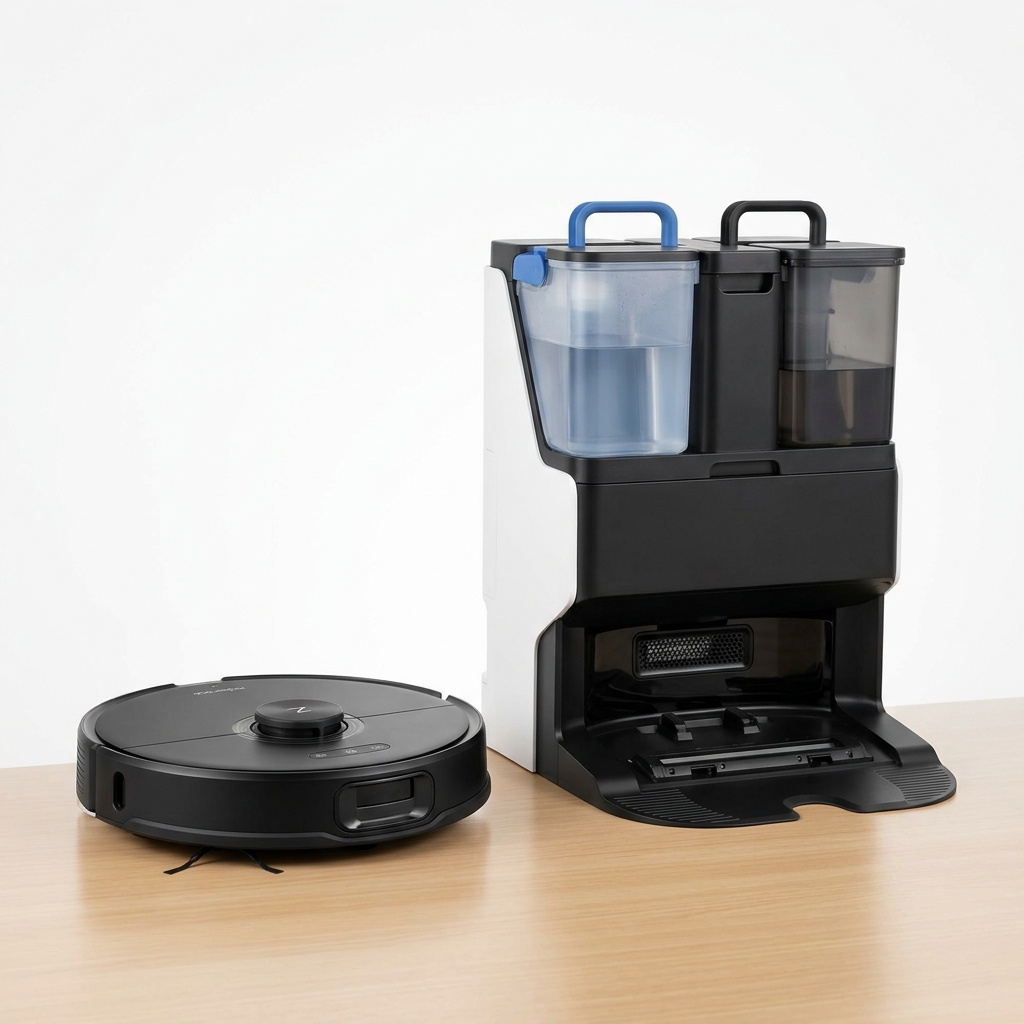
Premium Robot Vacuum with Auto Mop Washing Dock
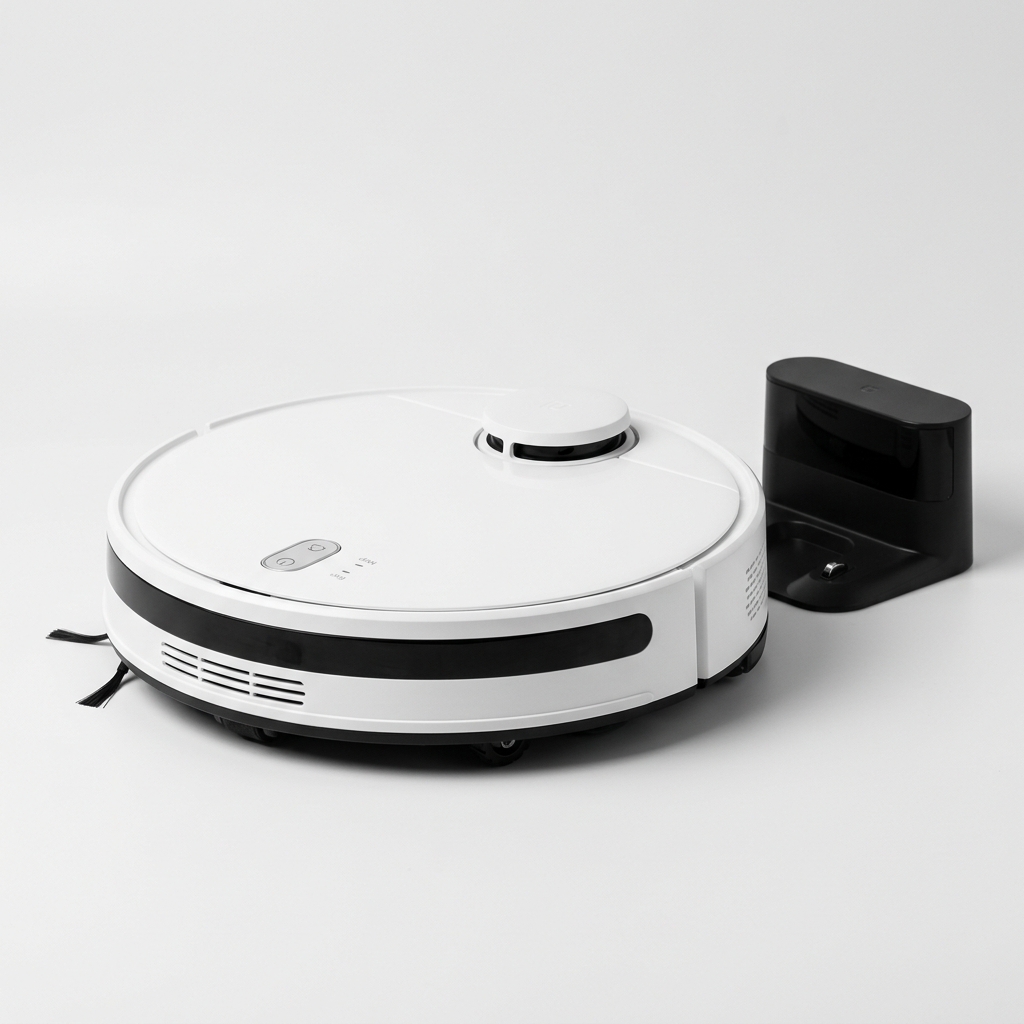
Affordable Robot Vacuum with 5200mAh Battery & LDS Navigation
Our comprehensive guide to the best robot vacuum cleaners available in India in 2026. Expert picks for every budget.
Buying GuidePractical framework for choosing a robot vacuum in India: floor types, home size, budget, must-have features, navigation, and maintenance.
GuideLearn how LiDAR navigation works in robot vacuums, its advantages over camera and gyroscope systems, and why it matters for Indian homes.
Compare top-rated models side by side and pick the best one for your home and budget.