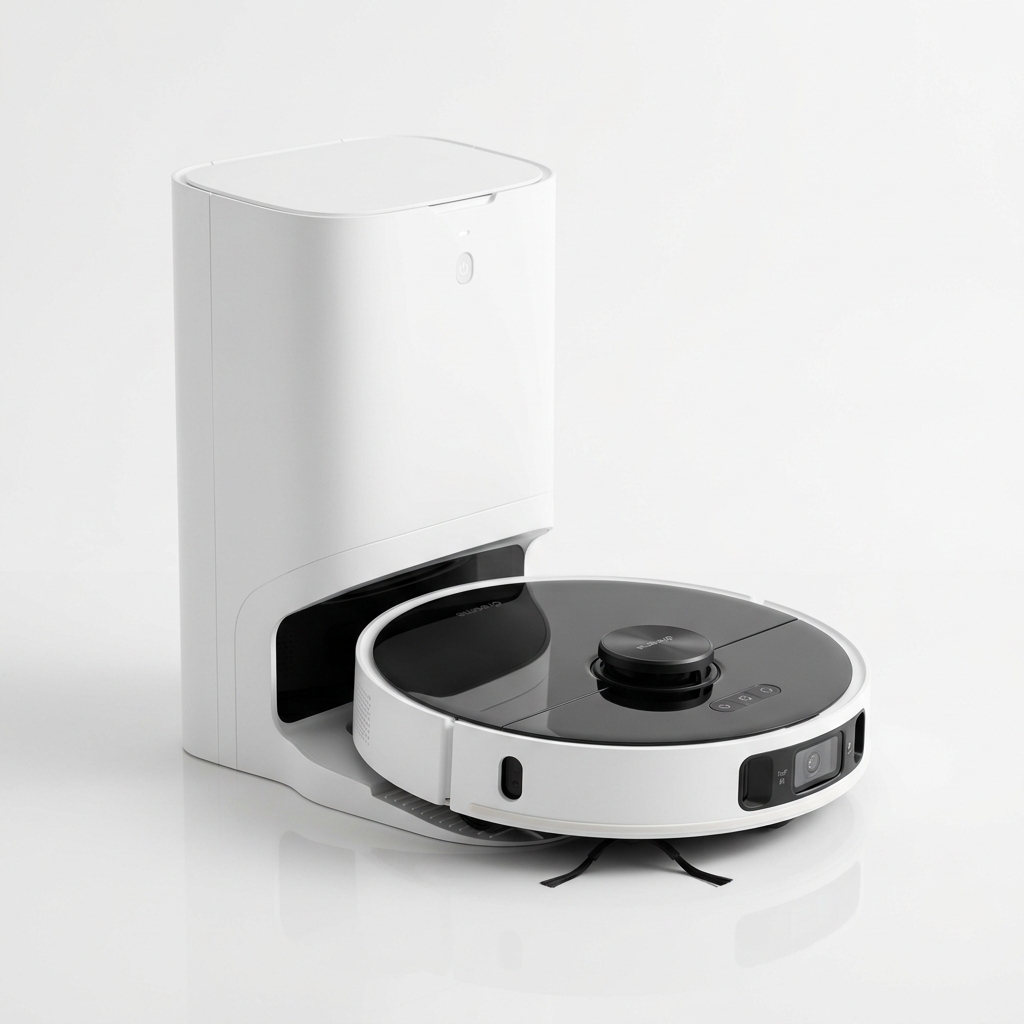
Dreame
★ 4.6
Dreame D10 Plus Gen 2
Best Value Robot Vacuum with 6000Pa Suction
₹27,999
90-Day Self-Emptying (4L Bag)
6000Pa Vormax Suction
LiDAR Navigation
Learn how to connect your robot vacuum with Alexa, Google Assistant and Siri. App features, voice commands, and automation tips for Indian users.
Robot vacuums have evolved far beyond simple devices that you press a button on and hope for the best. Today, most mid-range and premium robot vacuums are smart home devices in their own right, integrating with voice assistants like Alexa, Google Assistant, and Siri, as well as offering companion apps with extensive features. For Indian users, smart home integration opens up convenience that fits busy lifestyles — you can start cleaning while stuck in traffic, schedule runs around your family’s routine, and monitor progress from anywhere. But understanding exactly how these integrations work, which features are available on which platforms, and what you need to set up, can be confusing. This guide walks through everything you need to know about smart home integration with robot vacuums, with specific considerations for Indian households.
Smart home integration refers to the ability of a robot vacuum to communicate with other smart devices and platforms in your home. This includes voice assistants (Alexa, Google Assistant, Siri), automation platforms (Apple Home, IFTTT), and the vacuum’s own companion app on your phone.
At the most basic level, integration allows you to start, stop, pause, and dock the vacuum using voice commands or through automation routines. More advanced integration includes room-specific cleaning, zone cleaning, scheduling adjustments, and status inquiries such as battery level remaining or filter replacement alerts.
The way integration works is straightforward: the vacuum connects to your home Wi-Fi network and communicates with the manufacturer’s cloud servers. When you issue a voice command through an Echo or Google Nest speaker, the assistant sends the request to the vacuum’s cloud service, which relays it to the vacuum. This means the vacuum must remain connected to the internet for voice control to function. Local network control without internet is not supported on most consumer models.
For Indian users, the availability of specific voice assistants and regional language support is an important consideration. Alexa and Google Assistant both support Indian English and several regional languages for basic commands, though vacuum-specific voice commands are generally in English.
Amazon Alexa is the most widely used voice assistant platform in India, thanks to the popularity of Echo speakers. Most robot vacuum brands offer Alexa skills that enable voice control.
Supported brands on Alexa. Roborock, Dreame, Xiaomi (Mi Home), iRobot (Roomba), Samsung, Eureka Forbes (through Commect Plus), and Realme all have Alexa skills available from the Indian Alexa Skills Store. Some smaller brands may not have a certified skill.
What you can do with Alexa:
Setting up Alexa integration:
Limitations on Alexa. Not all commands work across all brands. Room-specific cleaning, for example, depends on whether the brand has exposed room names through the skill. Some brands only support basic start, stop, and dock commands. Check the skill description in the Alexa app for supported commands.
Google Assistant is available on Android phones, Google Nest speakers, and smart displays. It is deeply integrated into the Android ecosystem, making it a natural choice for Indian users who predominantly use Android smartphones.
Supported brands on Google Assistant. Most major brands including Roborock, Dreame, Xiaomi, iRobot, Samsung, and Eureka Forbes support Google Assistant integration. The setup process uses Google Home or Google Assistant routines.
What you can do with Google Assistant:
Setting up Google Assistant integration:
Routines with Google Assistant. Google Assistant supports routines that combine multiple actions. For example, you can create a “Goodbye” routine that turns off lights, sets the alarm, and starts the robot vacuum when you say “Hey Google, I’m leaving.” This level of automation is particularly useful for daily schedules.
Siri integration is less common than Alexa or Google Assistant but is available on select models. Apple HomeKit integration is not widespread among robot vacuum manufacturers, though some newer models are adding support.
How it works. Siri integration typically works through the Apple Shortcuts app or through a brand-specific app that supports Siri shortcuts. When enabled, you can create voice commands that trigger cleaning actions through Siri.
Supported models. iRobot Roomba models offer Siri integration through the iRobot Home app. Some Roborock and Dreame models support Siri shortcuts through their respective apps. Xiaomi Mi Home app also supports Siri shortcuts for basic commands.
What you can do with Siri:
HomeKit limitations. Full HomeKit integration — where the vacuum appears as a native accessory in the Apple Home app — is rare. Most Siri integration is through shortcuts, which require initial setup and do not support room-level commands as smoothly as the other assistants.
The companion app is the central control hub for your robot vacuum. While voice assistants offer convenience, the app provides depth of control that voice cannot match.
Mapping features. The app displays the map generated by your vacuum’s navigation system. You can view cleaned areas, identify missed spots, and edit room divisions. Most apps allow you to merge or split rooms if the auto-detection is not perfect.
Cleaning modes. Adjust suction power (quiet, standard, turbo, max) and water flow for mopping (low, medium, high). Some apps allow per-room settings — for example, max suction in the kitchen and quiet mode in bedrooms.
Scheduling. Set daily or weekly cleaning schedules. Choose specific rooms, zones, or the entire home. Some apps support multiple schedules — one for weekdays and a different one for weekends.
Do not disturb. Configure quiet hours during which the vacuum will not clean or make sounds. This is useful if the vacuum is stored near bedrooms.
Cleaning history. View past cleaning sessions, including area covered, duration, and battery consumption. Some apps show which rooms were cleaned and which were skipped.
Consumable tracking. The app tracks filter, brush, and side brush usage and notifies you when replacements are due. This helps maintain performance.
Multi-vacuum support. If you own more than one robot vacuum, most apps allow you to manage them from a single interface. This is useful for large homes that use one vacuum per floor.
Scheduling goes beyond setting a single daily cleaning time. Modern apps and smart home platforms allow complex automation.
App-based scheduling. Within the vacuum’s app, you can set specific cleaning times for each day of the week. For example, clean the entire home at 10 AM on weekdays, but only clean the kitchen and living room on Saturdays. Many apps support multiple schedules active simultaneously.
Voice assistant routines. Using Alexa Routines or Google Assistant Routines, you can trigger the vacuum as part of a broader automation. Examples:
Location-based triggers. Some platforms support geofencing. When your phone leaves a certain radius from home, the vacuum starts cleaning. When you return, it docks. This feature requires a compatible phone and platform. It is available through some third-party integrations like IFTTT or through brand-specific features on certain Roborok and Dreame models.
IFTTT (If This Then That). IFTTT applets can connect your vacuum to hundreds of other services. For example, you can create an applet that starts cleaning when your smart lock detects you have left the house. IFTTT support varies by brand and may not be available for all models.
Getting voice commands working reliably requires attention to a few details:
Naming your vacuum. Choose a simple, distinct name in the companion app. Names like “Vacuum” or “Robot” work well. Avoid names that sound similar to common words, which may cause false triggers.
Room names. If your vacuum supports room-specific commands, label rooms clearly in the app. Use single-word names like “Kitchen,” “Living Room,” “Bedroom.” Alexa and Google Assistant will recognise these names when you issue commands.
Skill linking. Ensure the vacuum skill is properly linked in your voice assistant app. If commands stop working, the most common cause is the skill becoming unlinked or needing reauthentication. Check the skills settings in your Alexa or Google Home app.
Wi-Fi stability. Voice commands depend on the vacuum being online. If the vacuum disconnects from Wi-Fi frequently, voice commands will fail. Consider the vacuum’s proximity to your router. In Indian homes with thick concrete walls, a Wi-Fi mesh system or range extender may be necessary.
Regional settings. Ensure your Alexa or Google Assistant device is set to India region. Some skills are region-locked and may not appear if your device is set to a different country. The Alexa app allows you to change the device location in settings.
Room-based voice control is one of the most requested features, but it is not universal. Here is how it works:
Prerequisites. To control cleaning by room, the vacuum must have created a persistent map with labelled rooms in the companion app. This requires a LiDAR or vSLAM navigation system — budget random-bounce vacuums cannot support room-level commands.
Alexa room control. After mapping and labelling rooms, you link the vacuum’s skill in the Alexa app. Alexa then discovers each labelled room as a separate “group” or “scene.” You can say “Alexa, clean the kitchen” or include the vacuum in a room group within the Alexa app so it triggers with “Alexa, turn on the living room” (if you set the vacuum as a device in that group).
Google Assistant room control. Similar to Alexa, the Google Home app can discover room-specific commands after map setup. You assign rooms in the vacuum app, and Google Assistant recognises them. “Hey Google, vacuum the bedroom” works if the bedroom is labelled as such.
Limitations. Not all brands expose room names to voice assistants. Some only support full-home cleaning through voice while room control remains app-only. Check reviews or documentation specific to your vacuum model to confirm room-level voice support.
Firmware updates are critical for smart home performance. Unlike traditional appliances that work the same forever, robot vacuums receive software improvements over time.
What firmware updates improve:
How to update. Updates are delivered through the companion app. Most apps check for updates automatically when connected to Wi-Fi. You can also manually check in the app’s settings menu. Updates typically take 5–15 minutes, during which the vacuum should remain on its dock.
Automatic vs manual updates. Some vacuums update firmware automatically when idle and connected to Wi-Fi. Others require manual approval. Keep automatic updates enabled for the best experience.
Regional update delays. Firmware updates may roll out in different regions at different times. Indian users sometimes receive updates weeks after the initial global release. This is normal and depends on the manufacturer’s regional certification and testing processes. If you notice a feature missing that was announced months ago, a pending firmware update may be the reason.
Indian users face a few unique considerations when setting up smart home integration:
App availability. All major brand apps are available on the Indian Google Play Store and Apple App Store. However, some brands like Roborock and Dreame use the Xiaomi Home / Mi Home app ecosystem, which requires a Xiaomi account. Creating this account with an Indian phone number works without issues.
Voice assistant language support. Alexa and Google Assistant support Indian English commands. Alexa also supports Hindi for general commands, though vacuum-specific skills currently work best in English. Google Assistant supports multiple Indian languages, but vacuum commands remain English-only.
Wi-Fi router compatibility. Indian broadband routers from JioFiber, Airtel Xstream, ACT Fibernet, and BSNL all work with robot vacuums. However, dual-band routers with band steering (automatically switching between 2.4 GHz and 5 GHz) can cause connection drops. If your vacuum disconnects frequently, create a dedicated 2.4 GHz network or disable band steering in the router settings.
Power backup considerations. Many Indian homes use UPS or inverter backup for power cuts. Robot vacuum docks draw continuous power. If the dock is connected to a backup circuit, it will drain battery during a power cut. It is better to connect the dock to a non-backup circuit so the vacuum powers off and does not drain the inverter.
Skill availability. Some vacuum skills may not appear on the Indian Alexa store if they are not certified for the region. Popular brands like Roborock, Dreame, and Xiaomi all have their skills listed. If you own a lesser-known brand, check skill availability before relying on voice control.
Not updating firmware. Running outdated firmware causes connectivity issues, missed voice commands, and suboptimal navigation. Check for updates monthly.
Using the same SSID for 2.4 GHz and 5 GHz. Robot vacuums only support 2.4 GHz. If both bands share the same name, the vacuum may connect intermittently or fail to connect. Create a separate 2.4 GHz network.
Skipping room labelling. For room-specific voice commands to work, rooms must be labelled in the companion app first. Many users set up voice control and wonder why room commands do not work — the map needs room names.
Linking the wrong account. When setting up skills in Alexa or Google Home, ensure you link the same account used in the companion app. Linking a different account will not work.
Expecting offline voice control. Voice commands require an internet connection. If the internet is down or the vacuum loses Wi-Fi, voice control will not function.
Not checking skill permissions. Some skills require specific permissions to access device details. If commands fail, review the skill permissions in the Alexa or Google Home app and grant all requested permissions.
When choosing a robot vacuum for smart home integration, consider which voice assistant you primarily use. Alexa users have the widest compatibility. Google Assistant is a close second with deep Android integration. Siri users have fewer options and should confirm Shortcuts support. Look for models that offer room-specific voice control rather than just basic commands, as this provides significantly more convenience. Also consider the companion app’s quality — an intuitive app with regular updates makes the entire experience smoother. For Indian users, ensure the brand has an Indian service presence and that the app is available in regional app stores.
Check Price on Amazon — Compare current prices on smart-compatible robot vacuums like the Dreame D10 Plus Gen 2 in India.
Can I control my robot vacuum with Alexa? Yes, most robot vacuums from major brands like Roborock, Dreame, Xiaomi, iRobot, and Eureka Forbes support Alexa integration through an Alexa skill.
Does Google Assistant work with all robot vacuums? Google Assistant supports most major brands. Compatibility depends on whether the manufacturer has published a Google Home integration. Check the Google Home app for supported brands.
Can I use Siri to control my robot vacuum? Siri integration is available on select models, primarily through Apple Shortcuts. iRobot Roomba and some Roborock and Dreame models support Siri shortcuts. Full HomeKit integration is rare.
Do I need a smart speaker to use voice control? A smart speaker (Echo, Google Nest) or a smartphone with the voice assistant app is required. You can also use Alexa or Google Assistant on your phone without a dedicated speaker.
Can I set a cleaning schedule through voice commands? Scheduling is usually managed through the companion app, not voice. However, you can use routines in Alexa or Google Home to start cleaning at specific times.
What app features should I look for in a robot vacuum? Look for apps that offer persistent mapping, room labelling, no-go zones, multi-floor support, cleaning history, consumable tracking, and routine firmware updates.
How do firmware updates improve my vacuum? Updates improve navigation algorithms, fix bugs, enhance voice assistant compatibility, optimise battery management, and sometimes add new features.
Can I control my vacuum when I am not at home? Yes, as long as the vacuum is connected to the internet and the companion app is accessible, you can start, stop, or schedule cleaning from anywhere.
What happens to the vacuum during a power cut? The vacuum will stop cleaning and lose its in-progress map. When power resumes, the vacuum will restart from the dock but may not resume the interrupted cleaning cycle unless it has an auto-resume feature.
Which voice assistant is most popular in India for robot vacuums? Amazon Alexa has the largest user base in India due to the widespread adoption of Echo speakers. Google Assistant is a close second, particularly among Android users.
Can I use the Mi Home app for non-Xiaomi vacuums? Some Dreame and Roborock models are compatible with the Mi Home app. Check your model’s documentation. Some newer models have moved to their own branded apps.
How many robot vacuums can I control from one app? Most apps support multiple devices. You can control vacuums in different rooms or on different floors from the same app interface.
Affiliate Disclosure: As an Amazon Associate I earn from qualifying purchases. If you purchase a product through these links, I may earn a small commission at no extra cost to you.
Internal Links:
Affiliate Disclosure: As an Amazon Associate I earn from qualifying purchases. If you click on a link and make a purchase, I may earn a small commission at no extra cost to you.
Check the latest prices and reviews on Amazon India.
Best Value Robot Vacuum with 6000Pa Suction
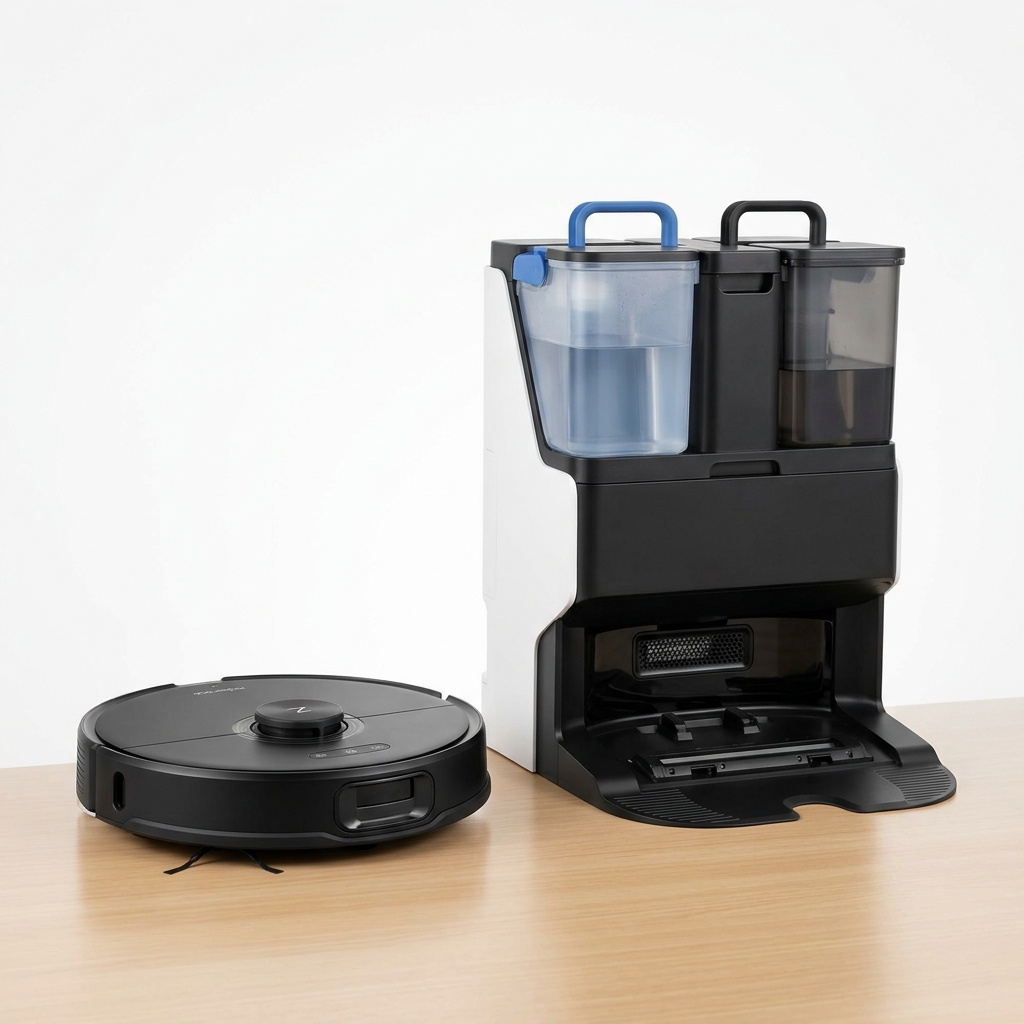
Premium Robot Vacuum with Auto Mop Washing Dock
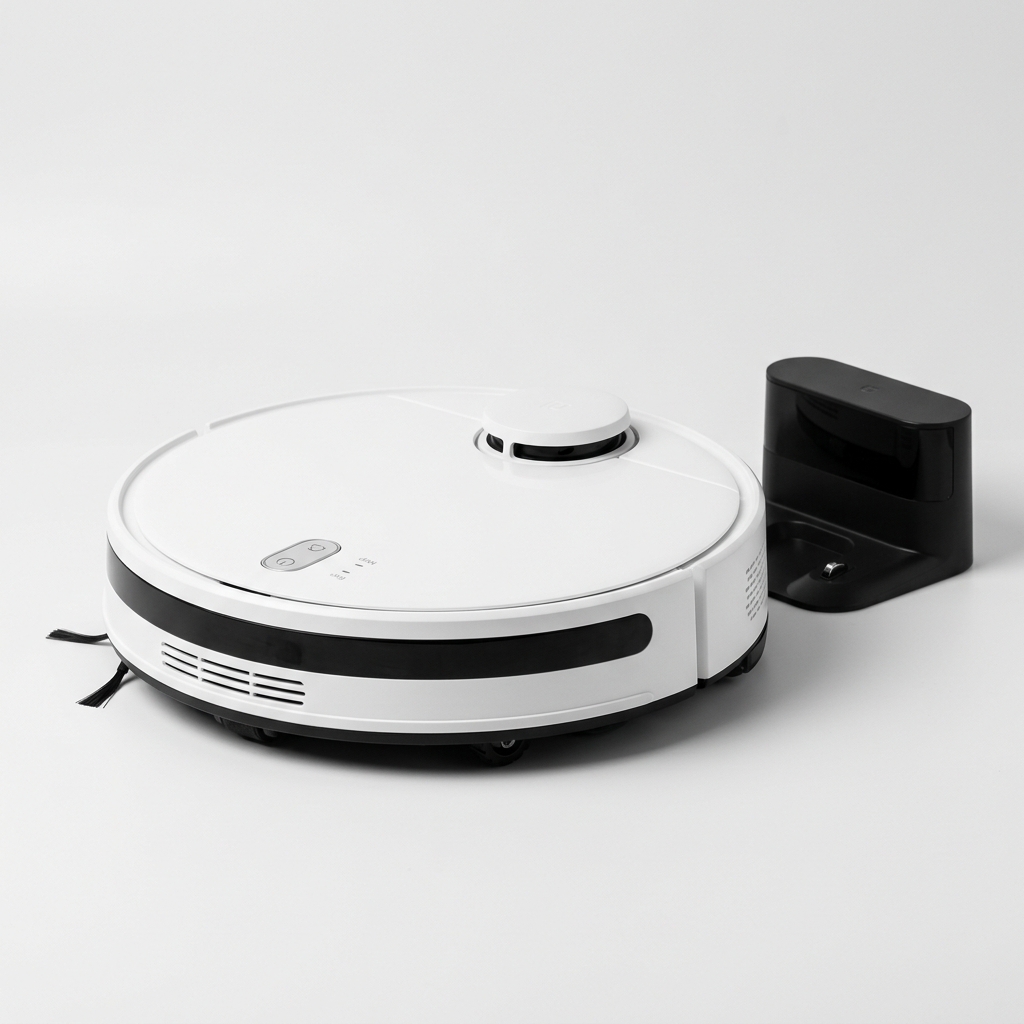
Affordable Robot Vacuum with 5200mAh Battery & LDS Navigation
Our comprehensive guide to the best robot vacuum cleaners available in India in 2026. Expert picks for every budget.
Buying GuidePractical framework for choosing a robot vacuum in India: floor types, home size, budget, must-have features, navigation, and maintenance.
GuideLearn how LiDAR navigation works in robot vacuums, its advantages over camera and gyroscope systems, and why it matters for Indian homes.
Compare top-rated models side by side and pick the best one for your home and budget.